





Firefox Beta is an internet browser app designed for users who want to explore upcoming features and changes to the Mozilla browser before they are widely released. This version allows you to browse the web with early access to new functionalities, offering a chance to contribute to its ongoing development. While providing a first-hand look at innovations, users should be prepared for potential instabilities that can occur in beta software. It prioritizes privacy by automatically blocking thousands of online trackers and offering robust customization options.
Enhanced Privacy Protection
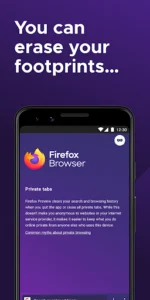
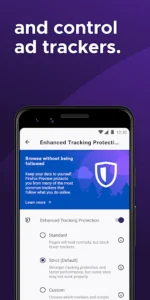
Firefox Beta offers significant privacy protection as you browse the web. It incorporates Enhanced Tracking Protection, which automatically blocks over 2000 online trackers by default, preventing them from collecting information about your online activity. This feature also works to block third-party cookies and unwanted ads that might follow you across different sites. For additional privacy, the app includes a Private Browsing mode where your browsing history is automatically erased once you finish your session, ensuring your activities are not traced or tracked.
Seamless Cross-Device Browsing
The app supports a connected browsing experience across your devices. You can sync your favorite bookmarks, saved logins, and browsing history, making them accessible wherever you go. This extends to password management, as Firefox remembers your passwords across various devices. Additionally, you have the ability to send open tabs directly between your mobile and desktop instances of Firefox, facilitating a continuous workflow.
Intelligent Search and Navigation
Firefox Beta aims to streamline your search experience by anticipating your needs. It intuitively provides multiple suggested and previously-searched results from your preferred search engines. The app also offers easy access shortcuts to popular search providers such as Wikipedia, Twitter, and Amazon, allowing for quicker navigation to specific content.
Customization and Tab Management
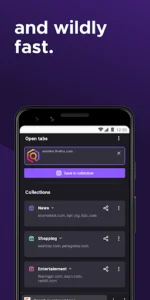
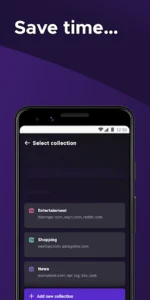
To personalize your browsing, the app supports various ad blocker add-ons, giving you more control over the content you see. Beyond ad blocking, Firefox Beta also features intuitive visual tabs, enabling you to open numerous web pages without losing track of them. The browser also provides easy access to your top sites, helping you spend less time searching for frequently visited destinations. The app further simplifies sharing by making it easy to quickly share links.








Write a review